Back to Apps

Math Quest

Live Web

Overview

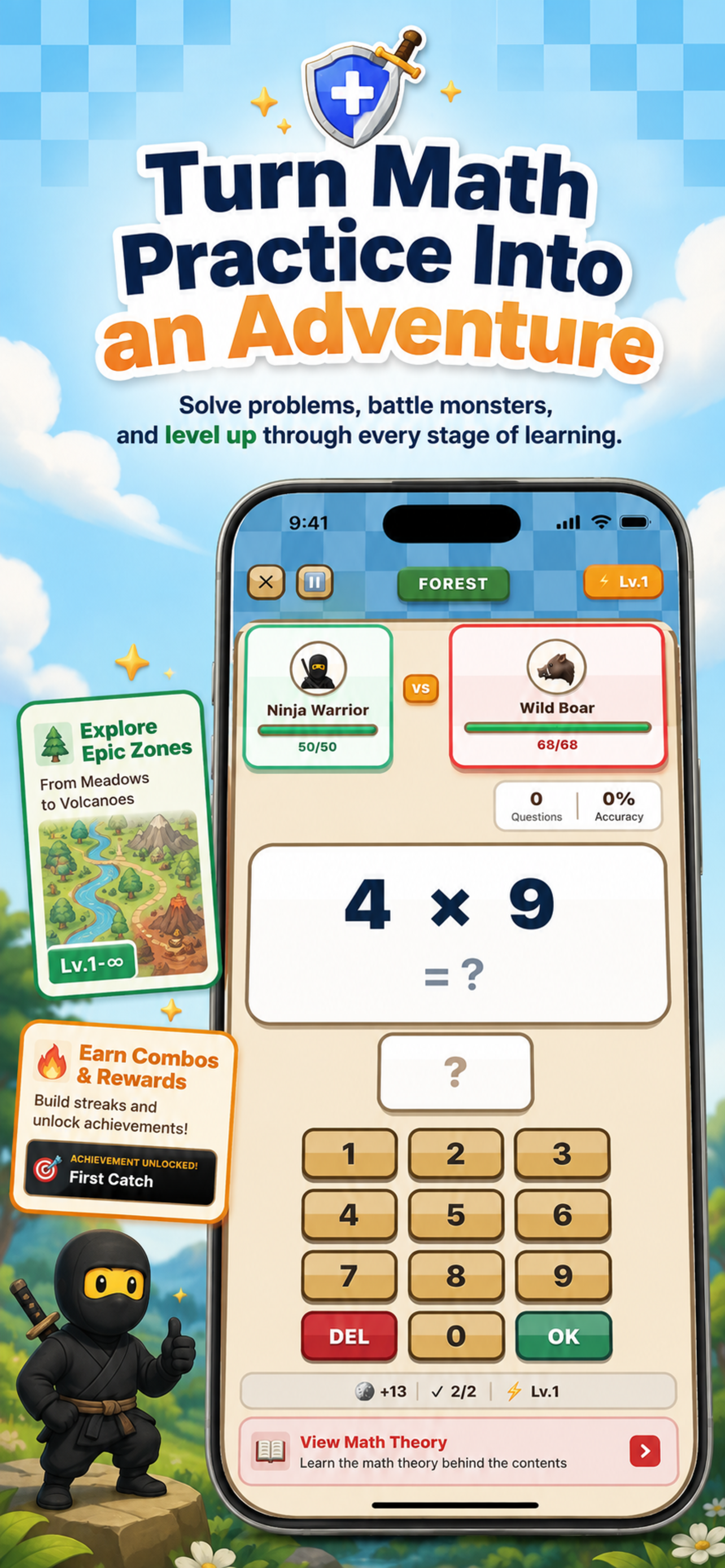
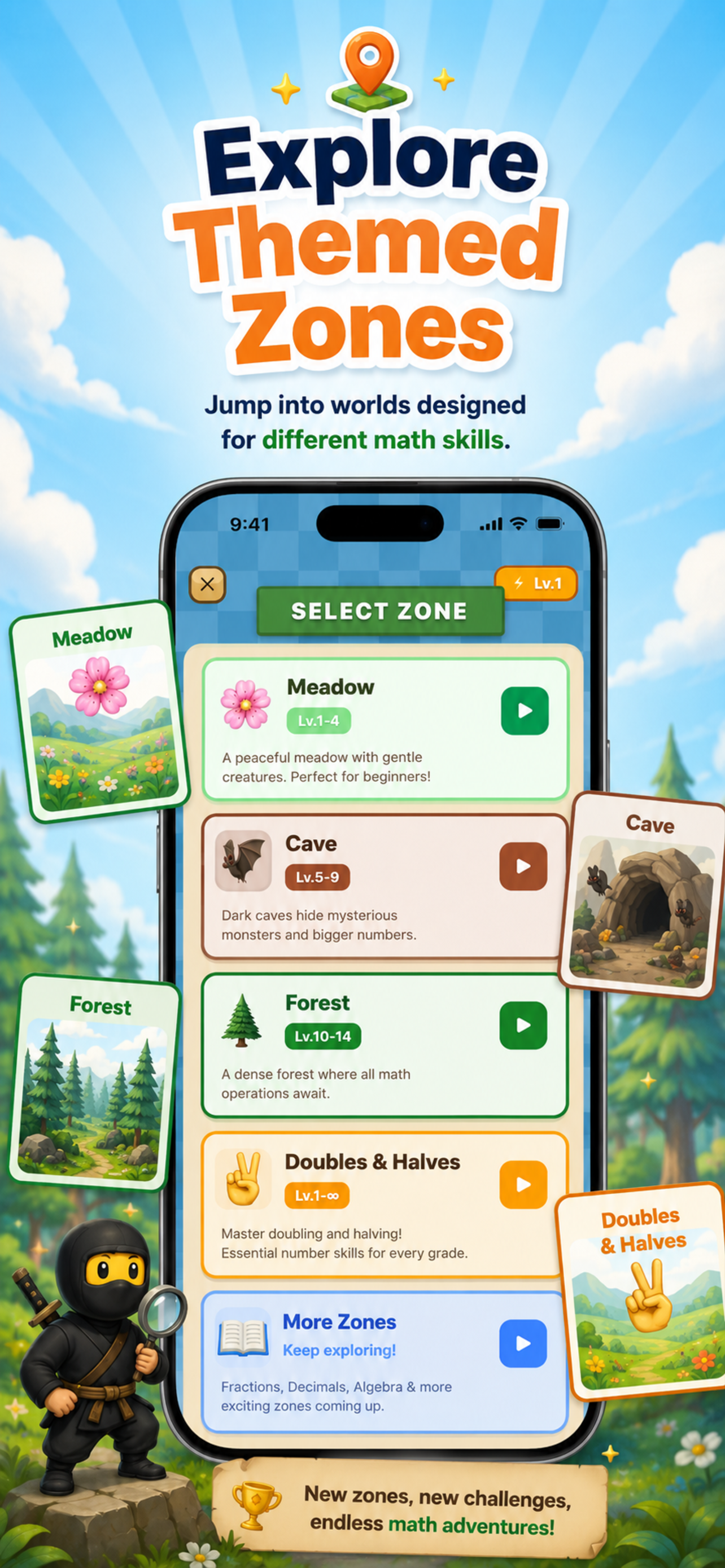
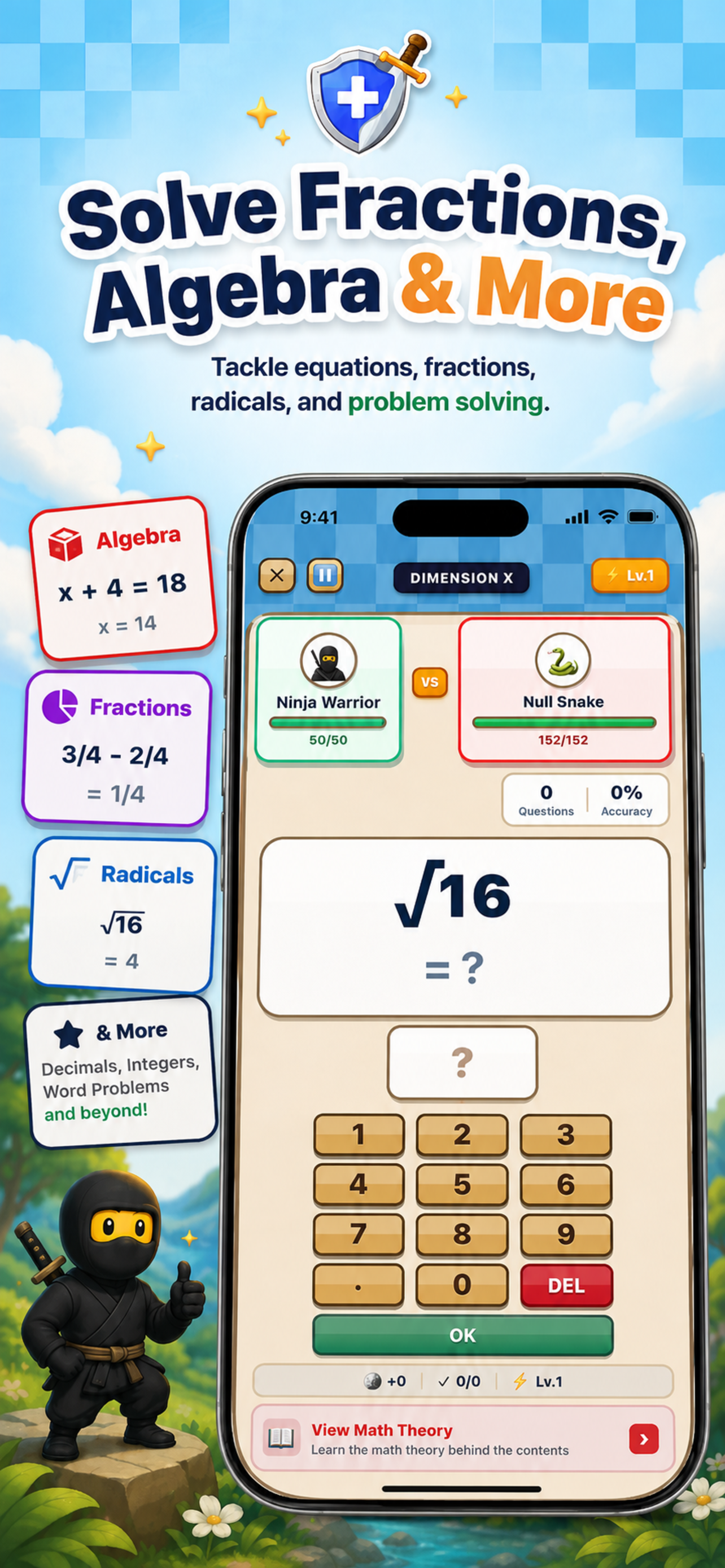
Math Quest is a browser-based math learning game where students practice arithmetic, fractions, and algebra by solving problems to defeat monsters. Players progress through 16 zones, each introducing different operations and challenges. The game combines problem-solving practice with a collection system, allowing learners to build skills while tracking their progress.

All gameplay happens in the browser. No registration or account is required—progress is saved locally.

Who It's For

Elementary and middle school students practicing core math skills

Parents looking for supplemental math practice tools for their children

Teachers seeking interactive resources to reinforce classroom concepts

Anyone wanting to improve speed and accuracy in arithmetic and algebra

Key Features

  • 16 Progressive Zones — Start with basic addition in the Meadow and work toward algebraic equations in later zones
  • 100+ Collectible Monsters — Encounter creatures with varying rarity levels as you advance
  • Interactive Math Lessons — Theory-based lessons covering specific topics with examples and practice problems
  • Practice Mode — Focused drills on individual operations without the pressure of gameplay
  • Mistake Review — Review past errors to identify patterns and improve understanding
  • Progress Tracking — Monitor XP, level, combo streaks, and problem accuracy over time
  • Topics Covered — Addition, subtraction, multiplication, division, fractions, decimals, percentages, algebra, and more

Practice & Progression

Players typically start in the first zone and solve math problems to defeat monsters. Correct answers award experience points (XP) and advance the player's level. As levels increase, new zones unlock with different operations and higher difficulty.

The Practice Mode allows focused work on a single operation (e.g., multiplication) without the game structure. Math Lessons provide explanations and worked examples for learners who want to review theory before practicing.

Progress is saved automatically in the browser, so users can return and continue where they left off.

Platform Availability

Web

Browser-based application accessible on any modern web browser

Start Practicing

Start practicing math by solving problems and collecting monsters.

Launch App